Automate the Work That Slows You Down
Document handling, task management, and workflow automation that cut out manual work. Upload documents, build templates, set up automated triggers, and keep your team focused on selling instead of administrating.
Every hour a rep spends re-keying a pay stub or chasing a checklist is an hour they didn't spend selling.
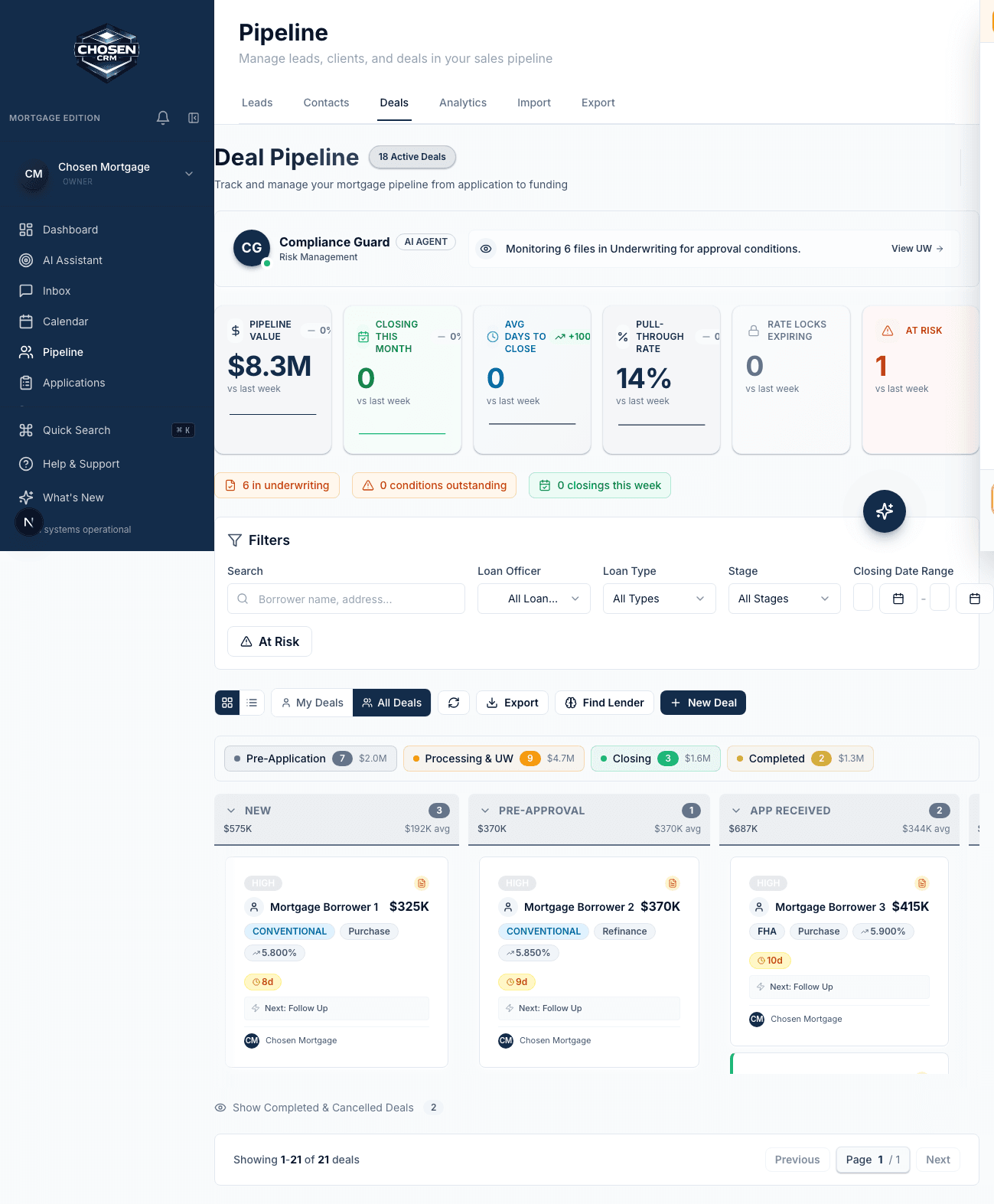
How a workflow is built
Trigger, condition, action — chained however you need
No scripting. Pick the event, filter it, and tell ChosenCRM what to do. Then stack steps and delays until the whole follow-up runs itself.
Trigger
A lead is created, a deal changes stage, or a date arrives.
Condition
If-then logic filters it down: loan type, deal value, source, owner.
Action
Create tasks, send an email or SMS, update a field, alert a manager.
The toolkit
The admin work, handled before it reaches a person
Uploads that extract their own data, templates your team can lock, and workflows that fire on the events that matter.
Document Uploads and Extraction
Upload documents to contact and deal records. The system extracts key data points from common document types so you don't have to re-enter information manually. Documents are searchable and organized by type.
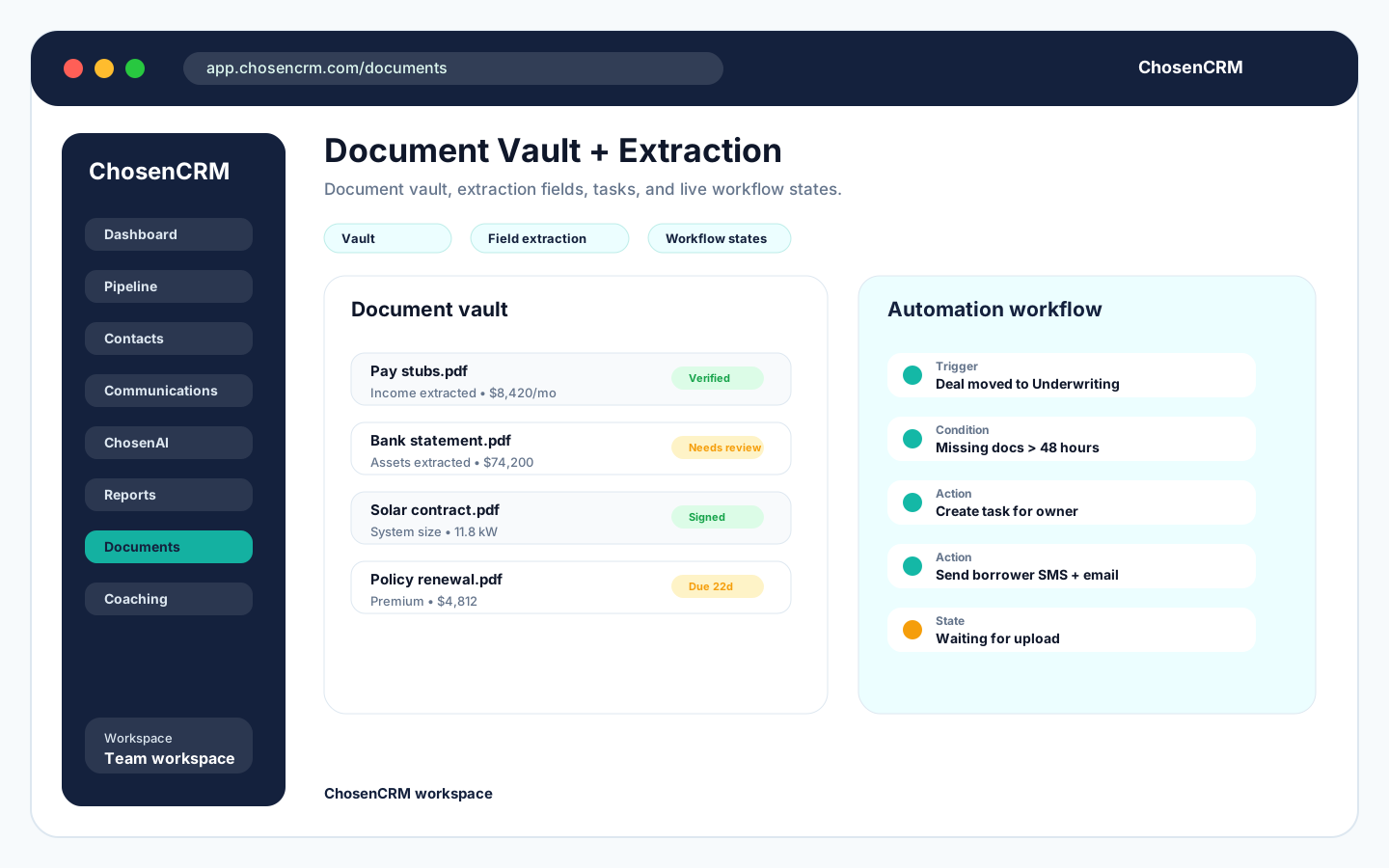
Document management with upload, extraction, and template library
Template Library
Build a library of email templates, SMS templates, and document templates that your team can use with one click. Templates support merge fields for personalization and can be attached to automation workflows.
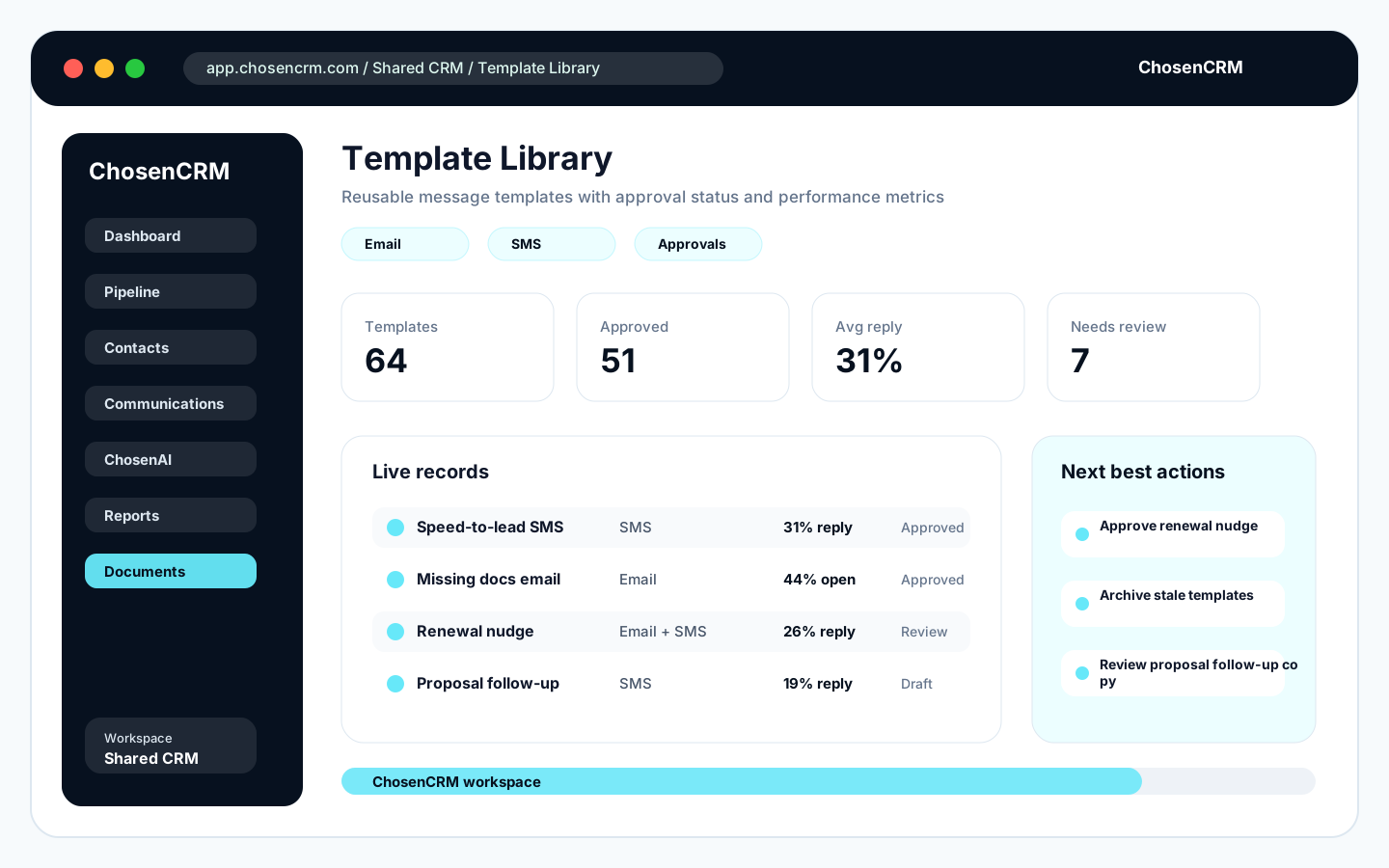
Reusable message templates with approval status and performance metrics
Task Management
Create, assign, and track tasks per contact, deal, or team member. Tasks can be generated manually or triggered by automation. Daily task queues show each rep their priority work for the day.
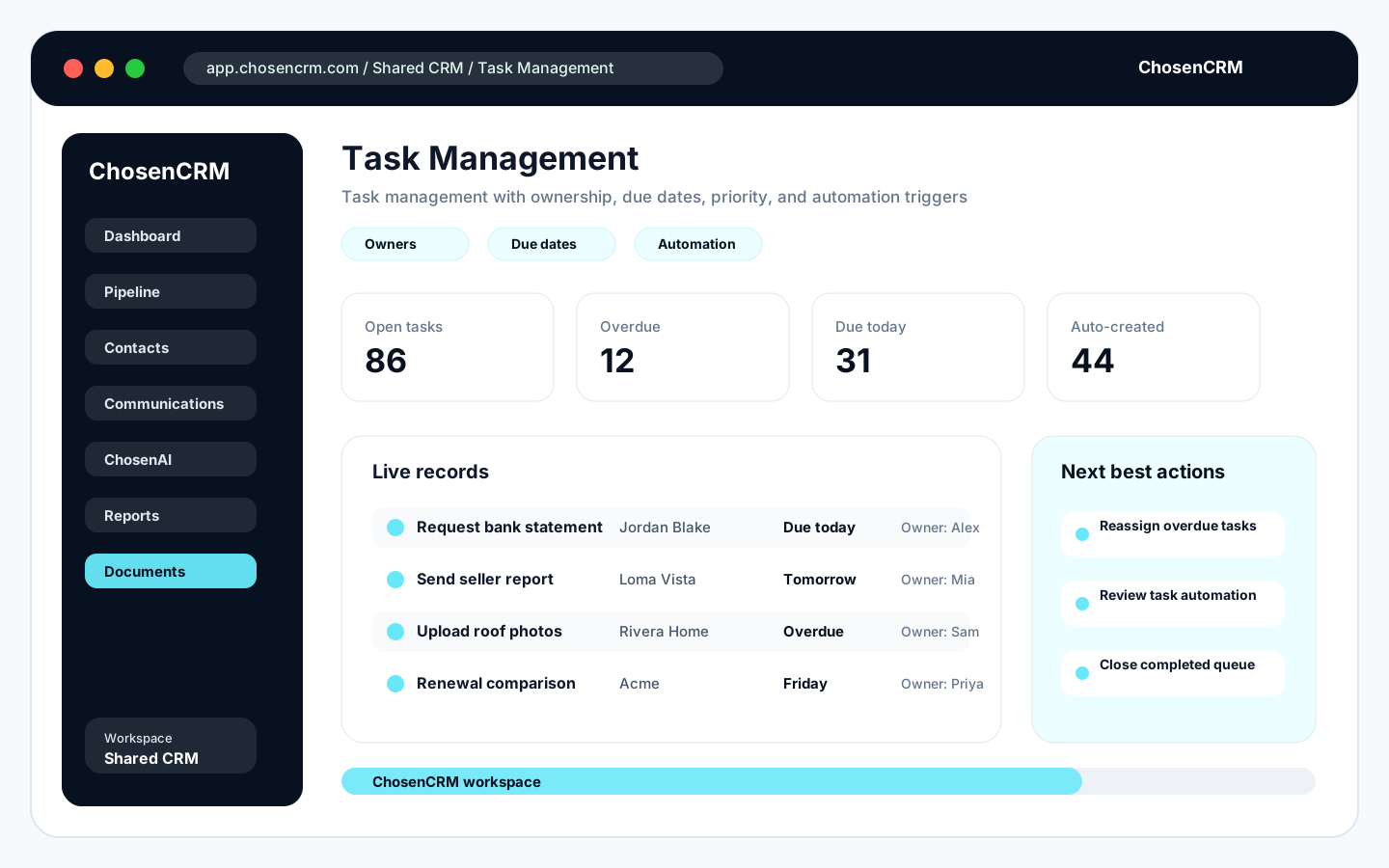
Task management with ownership, due dates, priority, and automation triggers
Workflow Automation
Build if-then workflows that trigger actions based on events in the CRM. When a lead is created, a deal moves stages, or a date arrives, your workflow handles the follow-up, task creation, or notification automatically.
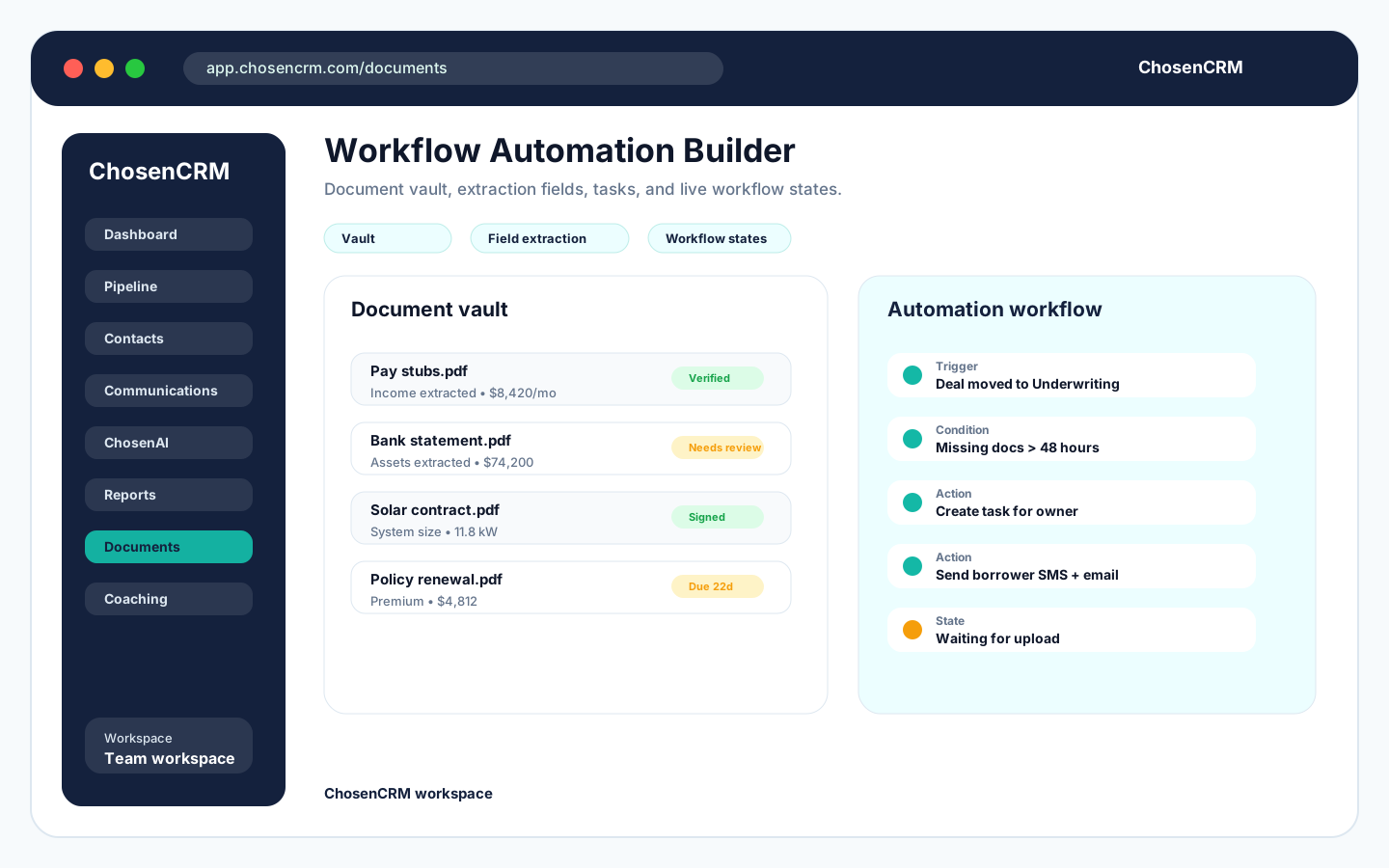
Workflow automation with triggers, conditions, and actions
E-Signature Readiness
Prepare documents for electronic signature within the CRM. Track signature status, send reminders to signers, and store completed documents on the deal record automatically.
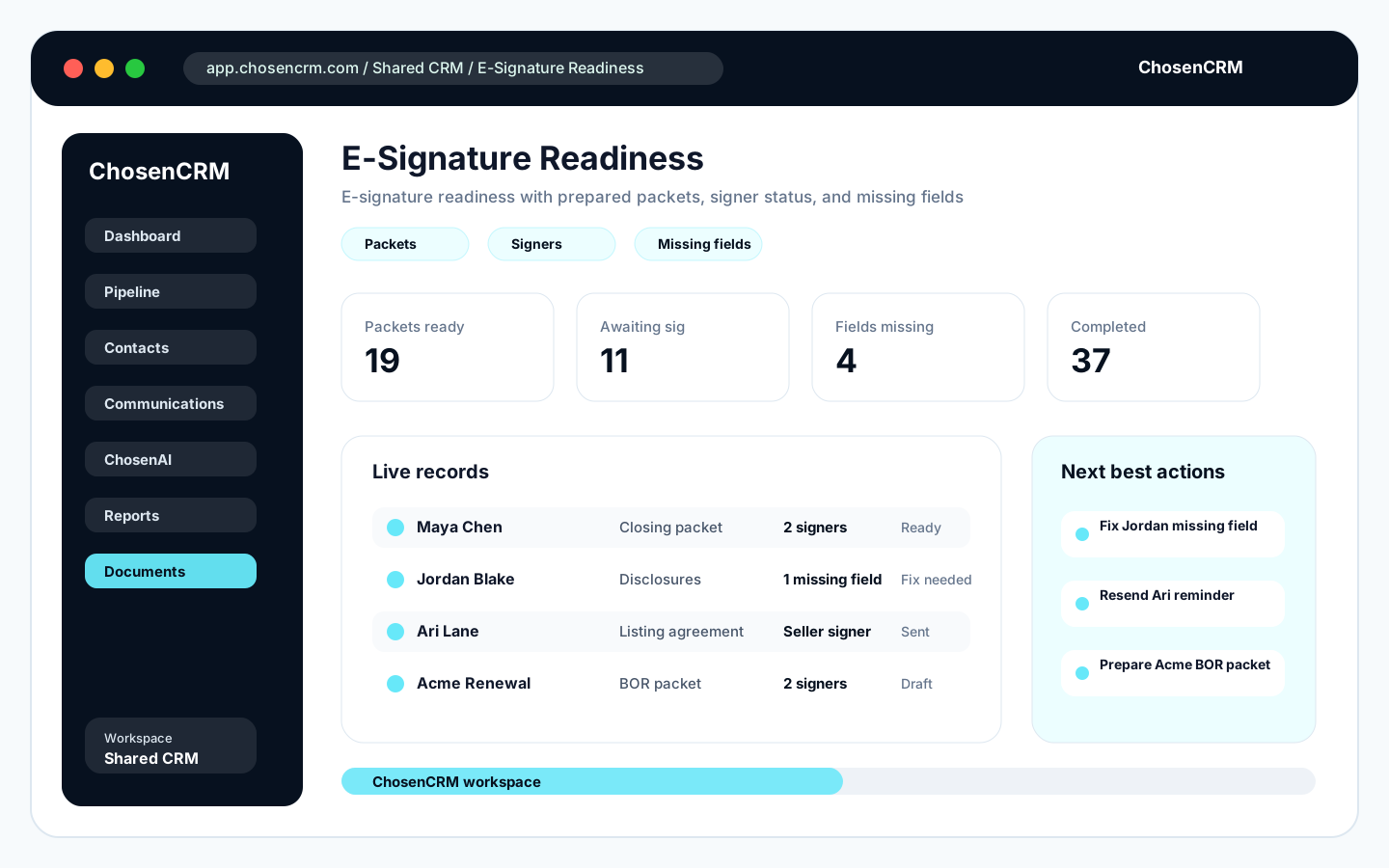
E-signature readiness with prepared packets, signer status, and missing fields
Compliance Document Tracking
Track required compliance documents by deal type and stage. See which documents are collected, which are missing, and which need review. Particularly useful for mortgage, insurance, and solar where documentation requirements are strict.
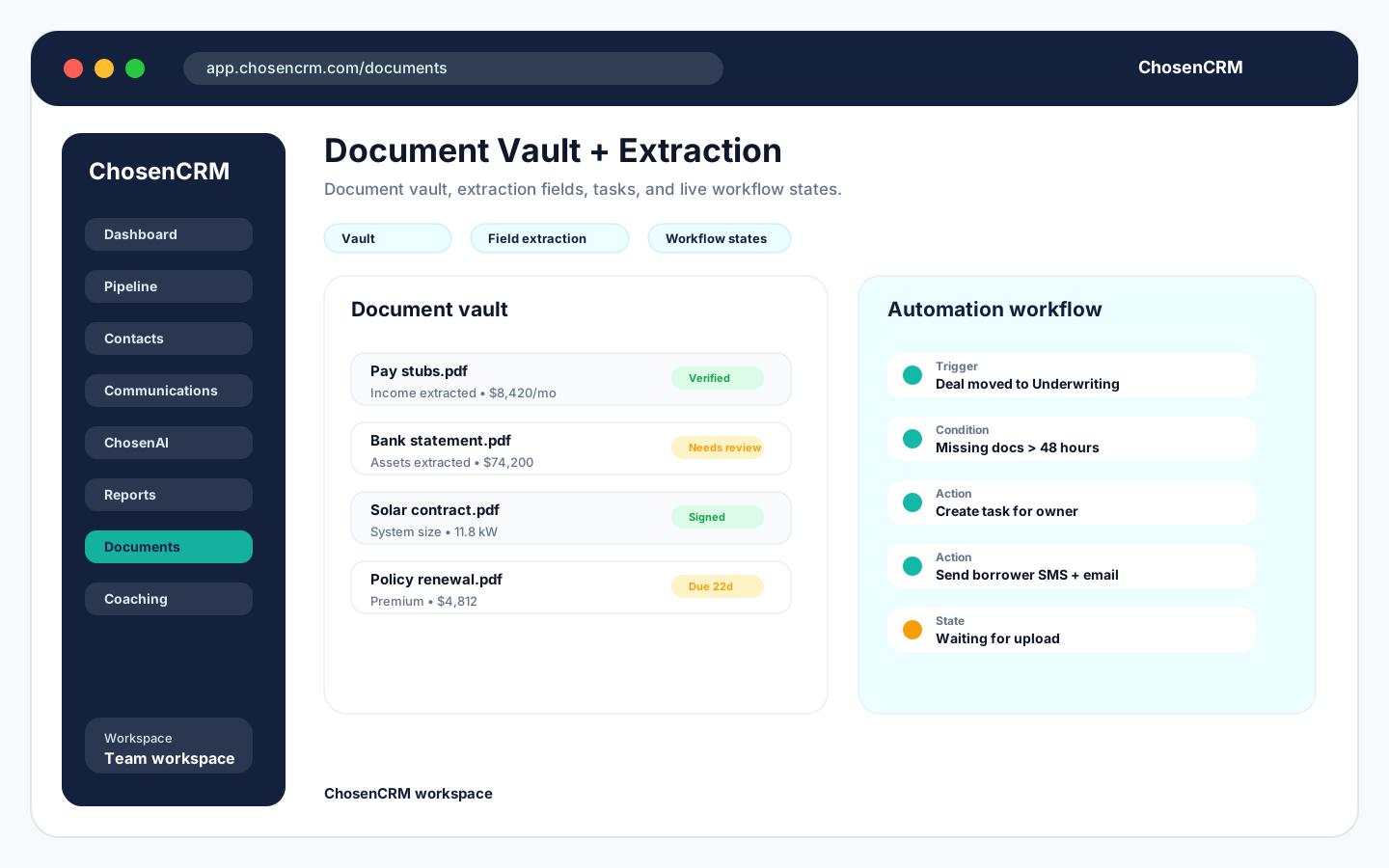
Document management and template library
Compliance you can prove
Track every required document by deal type and stage
Mortgage, insurance, and solar all carry strict documentation. See what's collected, what's missing, and what needs review on one checklist — and let a workflow nudge the borrower when a pay stub is still outstanding.
- PDF, Word, Excel, and image uploads on any record
- Data extraction from common structured documents
- E-signature prep with signer status and reminders
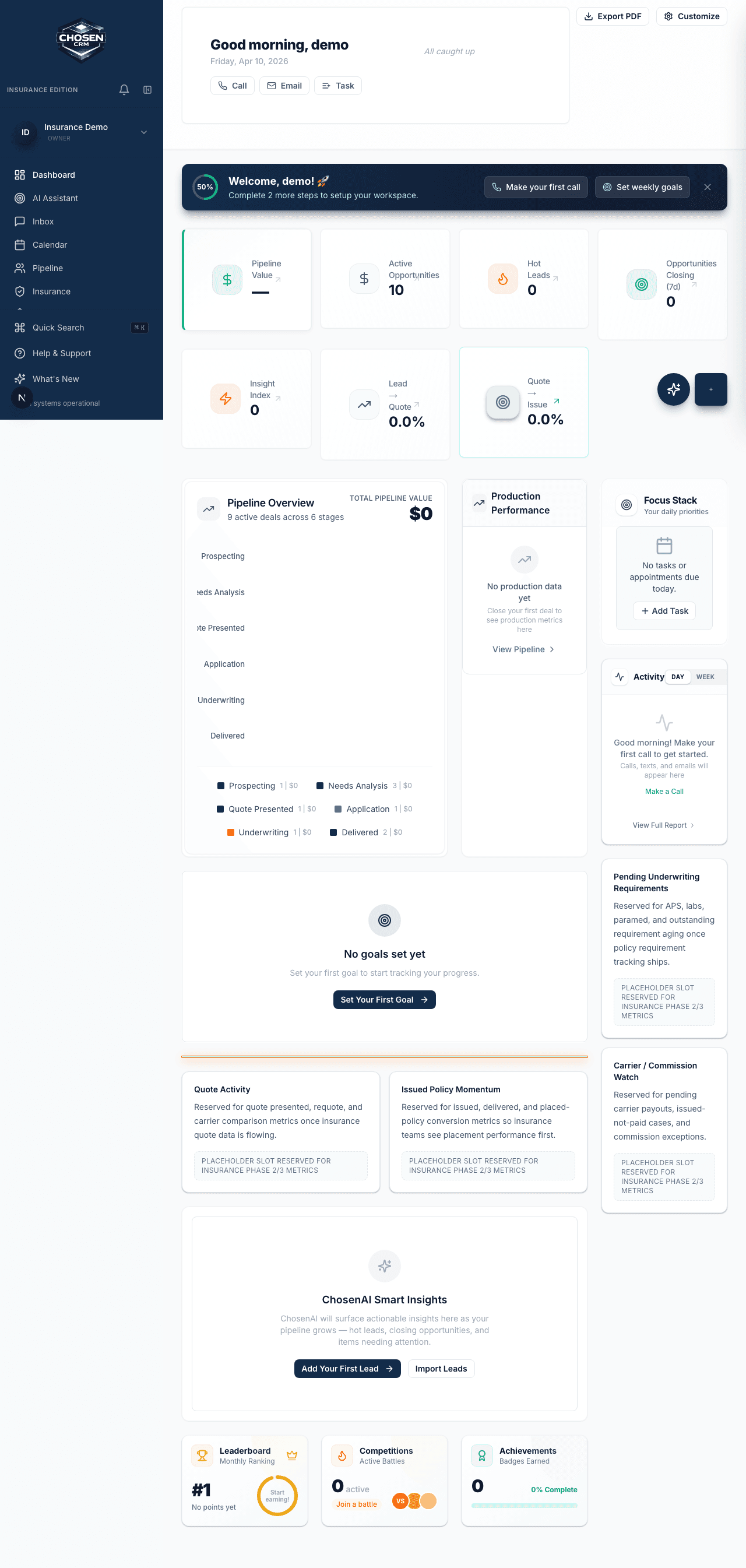
Automation included for every user
No limit
On the number of workflows you can build
Multi-step
Triggers, conditions, actions, and delays
Shared
Templates managers can lock to approved copy
60-day
Money-back guarantee, no contracts
Industry Examples
How Automation and Tasks works across industries
Every vertical gets purpose-built workflows and terminology. Here is what that looks like in practice.
Mortgage
A borrower uploads pay stubs and bank statements to a secure portal. The system extracts income data, marks the documents as received on the loan checklist, and notifies the LO that the file is ready for review.
Real Estate
When a deal moves to Under Contract, a workflow automatically creates tasks for inspection scheduling, appraisal ordering, and title company coordination, each with due dates based on the contract timeline.
Solar
After a contract is signed, a workflow creates the install project, assigns permitting tasks to the operations team, and sends the homeowner an onboarding email with next steps and timeline expectations.
Insurance
When a new policy is bound, a workflow generates onboarding tasks: send welcome packet, schedule first check-in call, set renewal reminder, and flag the household for cross-sell review in 90 days.
Frequently asked questions
ChosenCRM supports PDF, Word, Excel, and image file uploads. Document extraction works on common structured documents like applications, statements, and forms. You can upload any file type for storage on a record.
Workflows support triggers (events that start the workflow), conditions (if-then logic to filter), and actions (tasks, emails, SMS, field updates, notifications). You can chain multiple steps and add delays between actions.
Yes. Templates can be personal or shared. Shared templates are available to everyone on the team and can be locked by managers so reps use approved messaging. Personal templates let reps save their own variations.
No hard limit on the number of workflows you can create. The base price includes workflow automation for all users. Complex workflows with many steps and conditions are supported without additional fees.
Automate the busywork and get the selling time back
Reserve early access with a 60-day money-back guarantee. No contracts.