Know What Matters
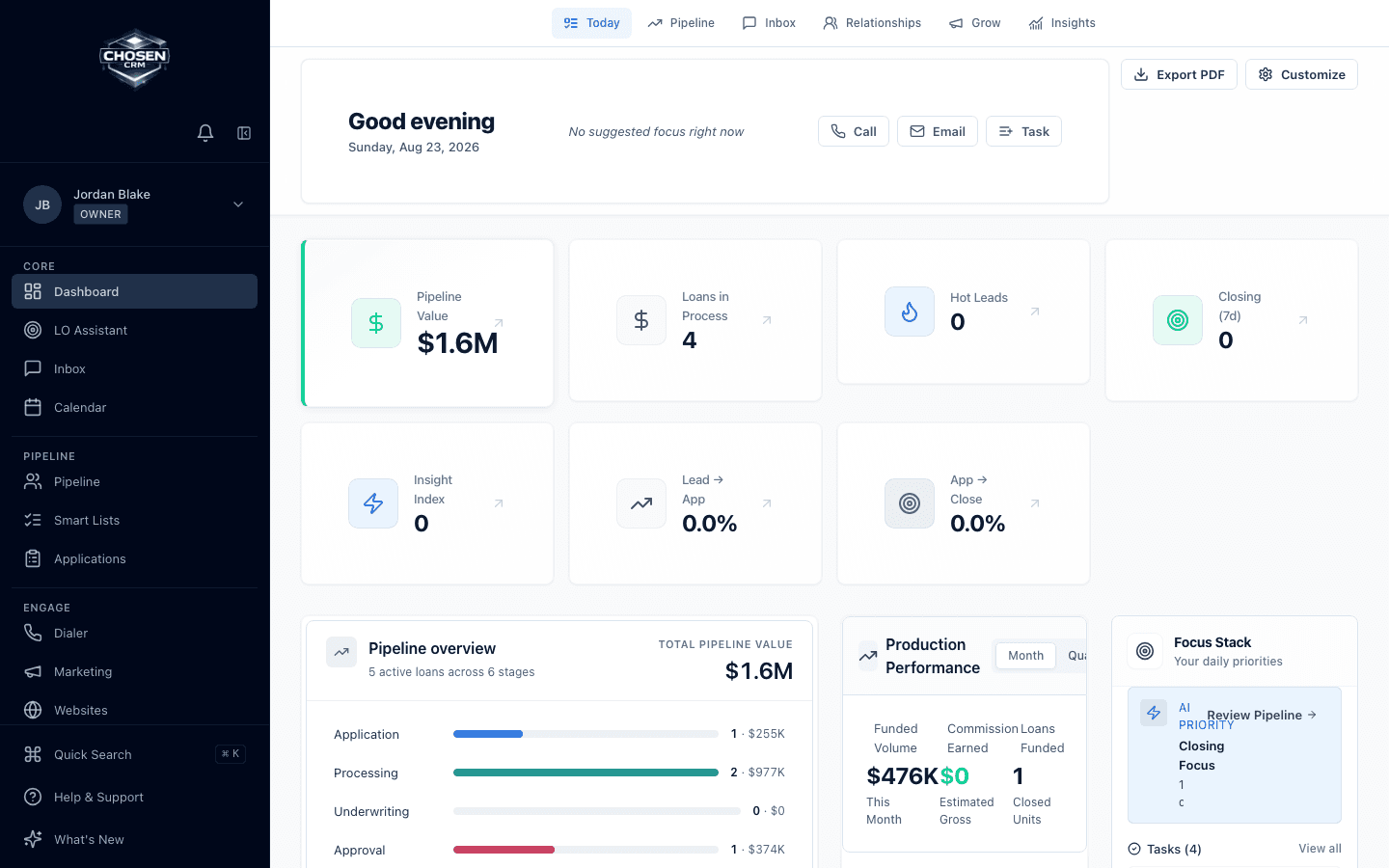
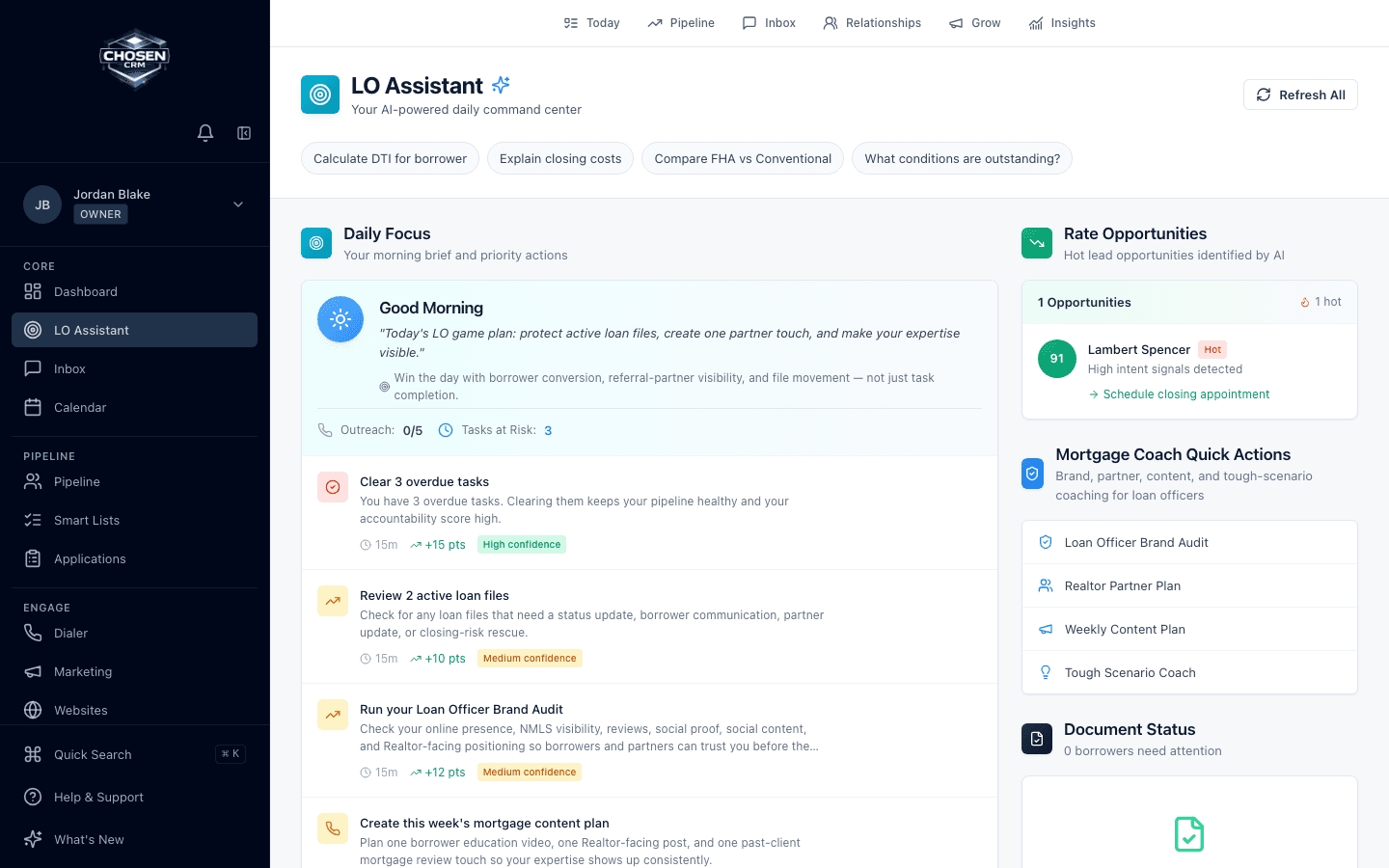
ChosenAI, daily focus, lead intelligence, and prioritized notifications give the day a clear starting point.
Explore this outcomeMortgage CRM platform
ChosenCRM connects the work around the loan: lead and borrower records, communication, pipeline attention, follow-up, daily priorities, automation, and team reporting.
Core workflows
Each capability shares the same mortgage context. Availability and configuration can vary by account.
ChosenAI, daily focus, lead intelligence, and prioritized notifications give the day a clear starting point.
Explore this outcomeWork email, SMS, call queues, templates, and borrower context from the same mortgage record.
Explore this outcomeSee pipeline stages, applications, tasks, milestones, and workflow exceptions before they become surprises.
Explore this outcomeReview activity, goals, pipeline, performance, and coaching through role-based organization views.
Explore this outcomePipeline and applications
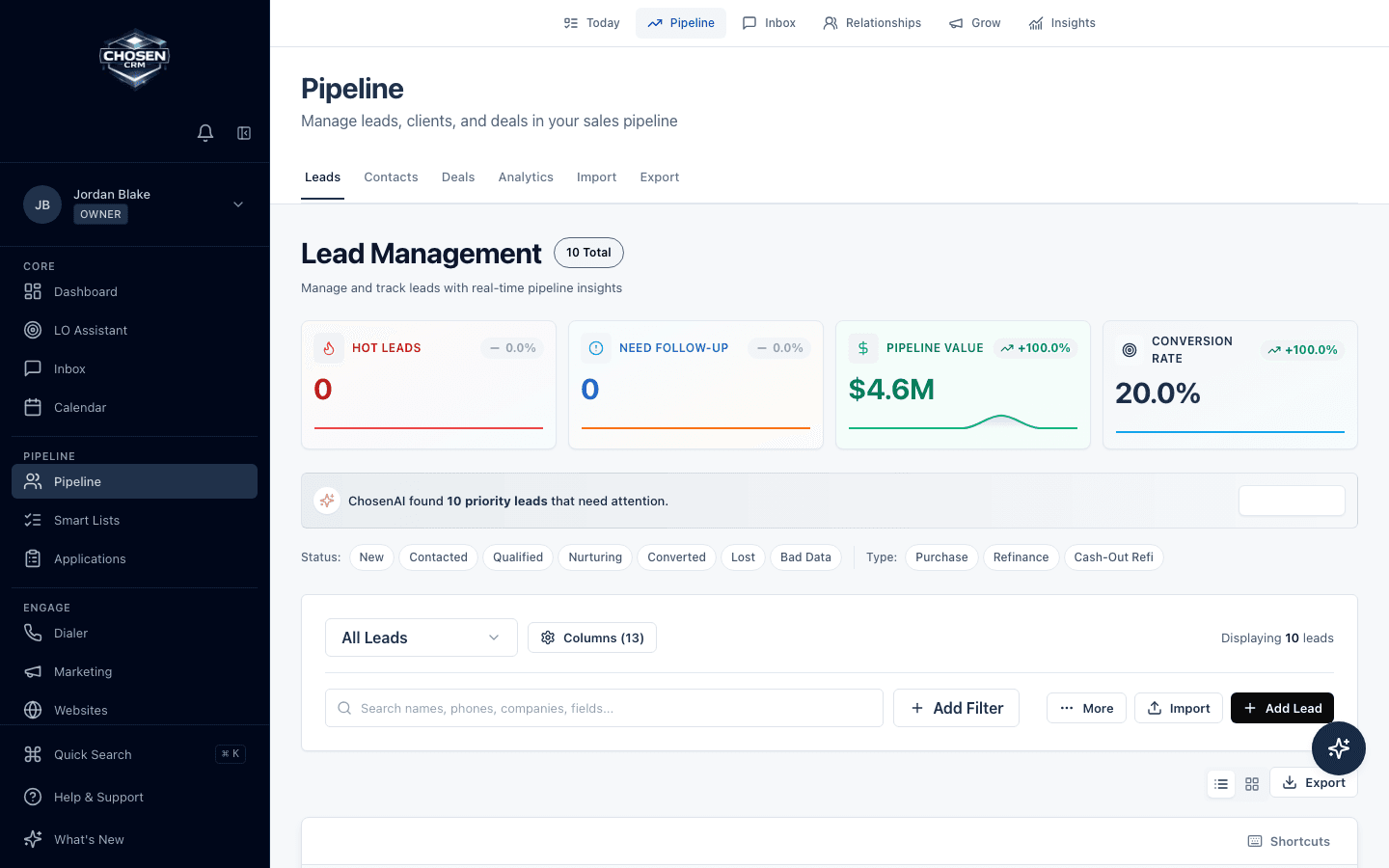
Use configurable stages, tasks, milestones, activity, and team views to organize sales-pipeline work around mortgage opportunities. Contact, deal, and application views provide different levels of detail without turning the CRM into an LOS.
Inbox and dialer
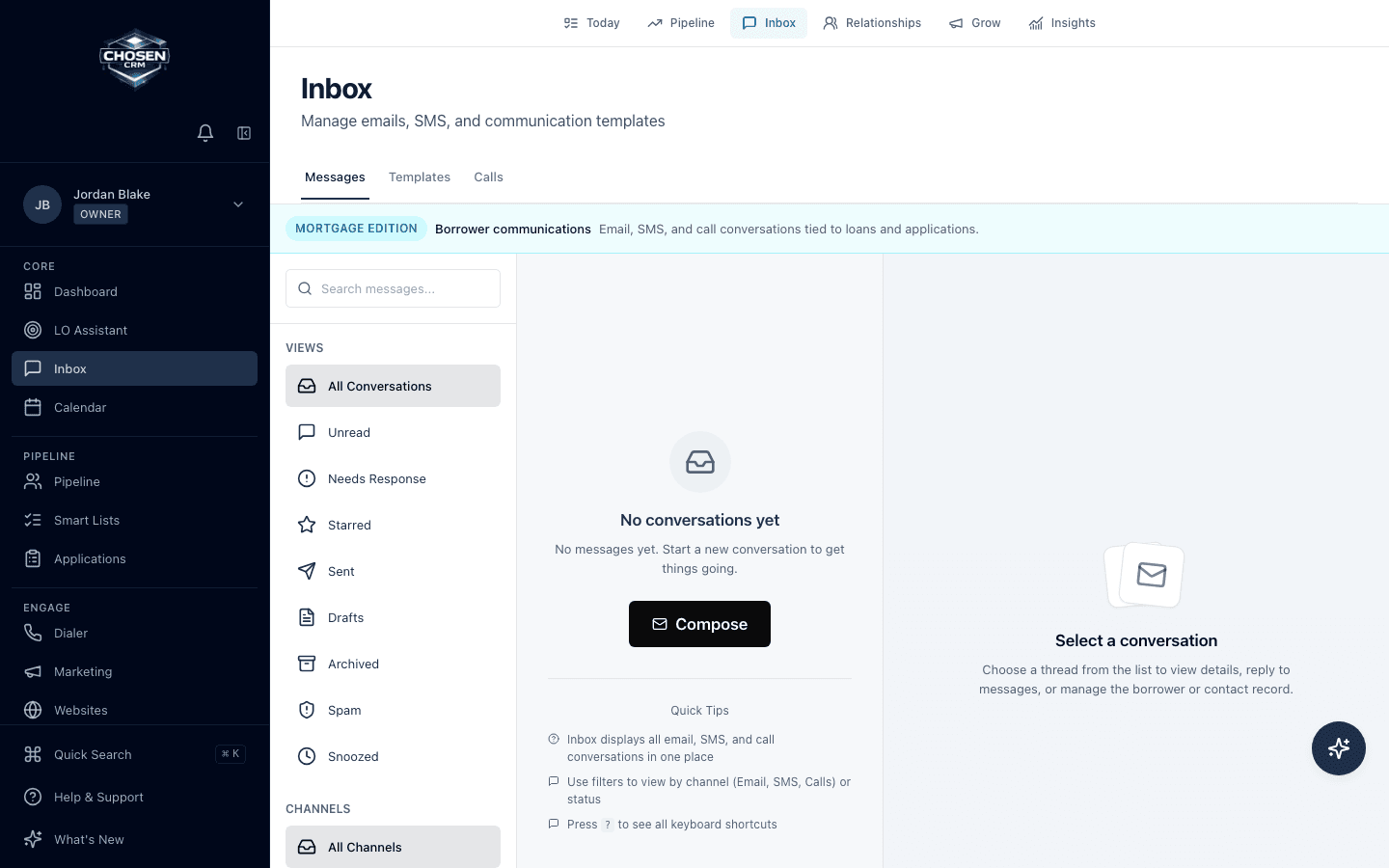
ChosenCRM connects supported email, SMS, calls, templates, and communication history to CRM records. Loan officers can move from a reply to the next task without reconstructing the conversation.
Calling and messaging depend on account configuration. Teams remain responsible for consent, calling rules, and applicable law.
Workflows and follow-up
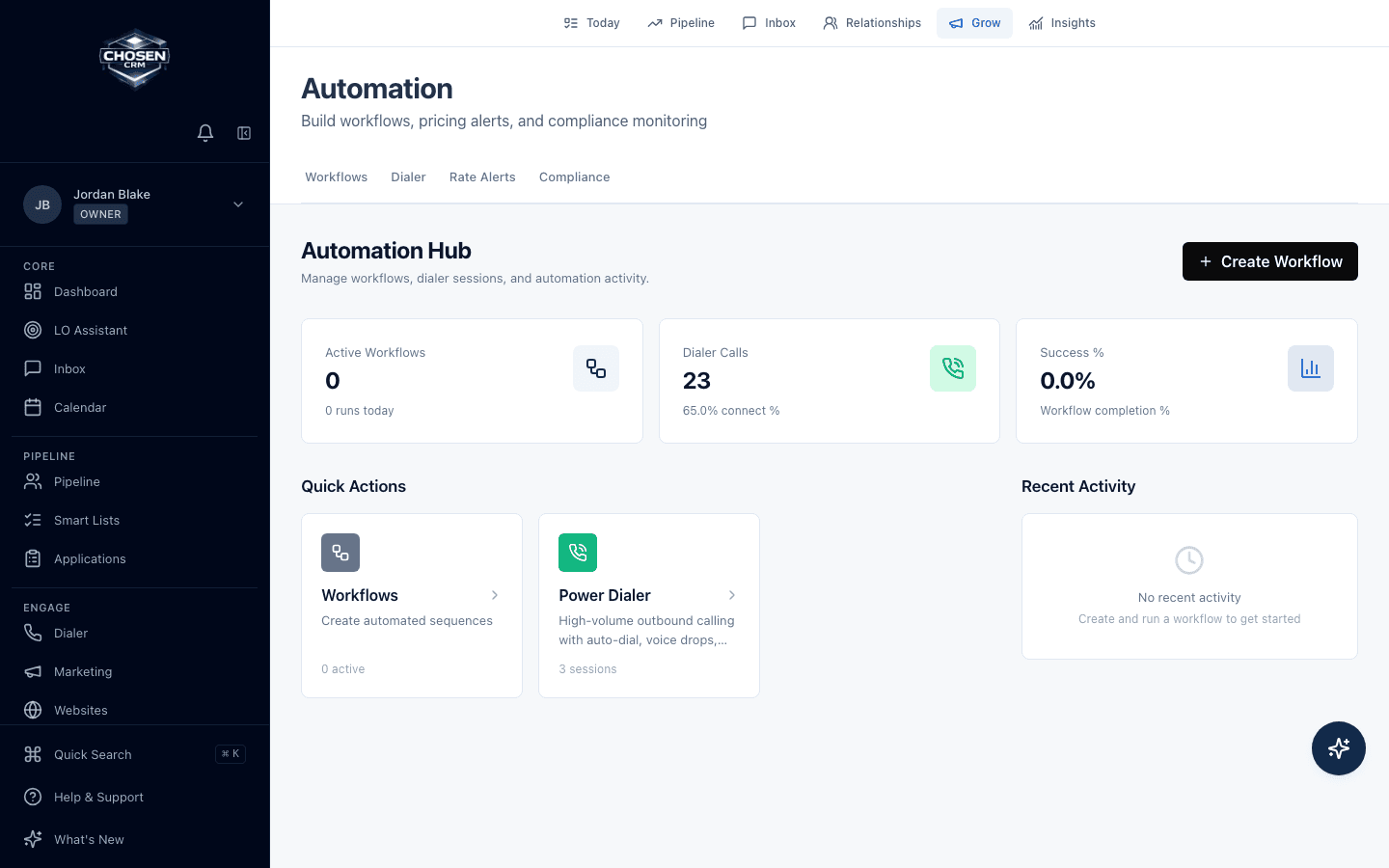
Trigger tasks, notifications, supported messages, and scheduled actions from workflow and milestone events. Review what ran and keep exceptions visible instead of relying only on personal reminders.
ChosenAI
ChosenAI supports specific CRM tasks: lead routing and scoring, writing assistance, follow-up guidance, daily focus, and prioritized notifications. It gives users a clearer starting point while keeping work inside the mortgage record.
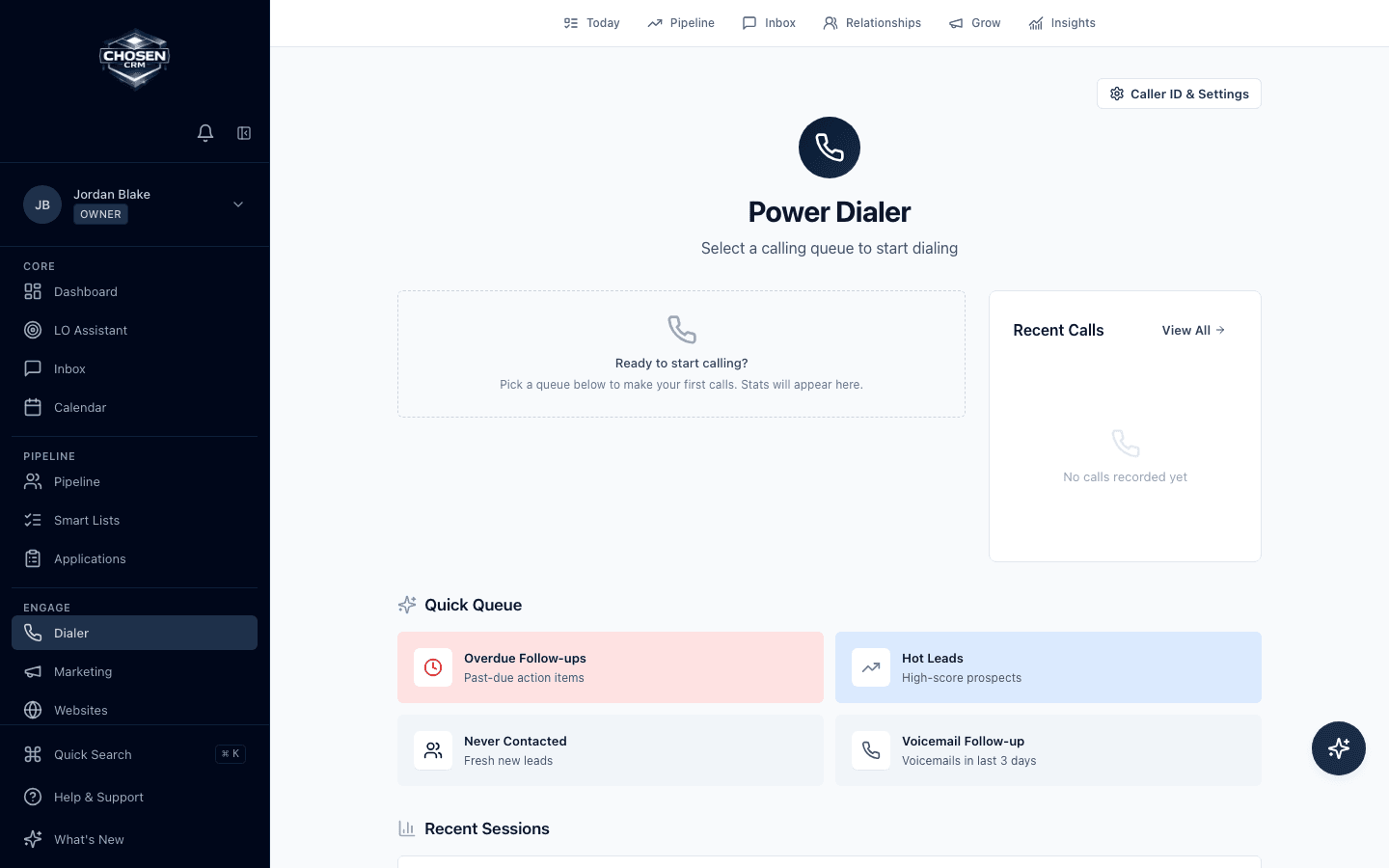
Call queues
The power-dialer workflow supports call queues, click-to-call, call logging, and related borrower or referral-partner context. Confirm telephony configuration and available capabilities for your account during the demo.
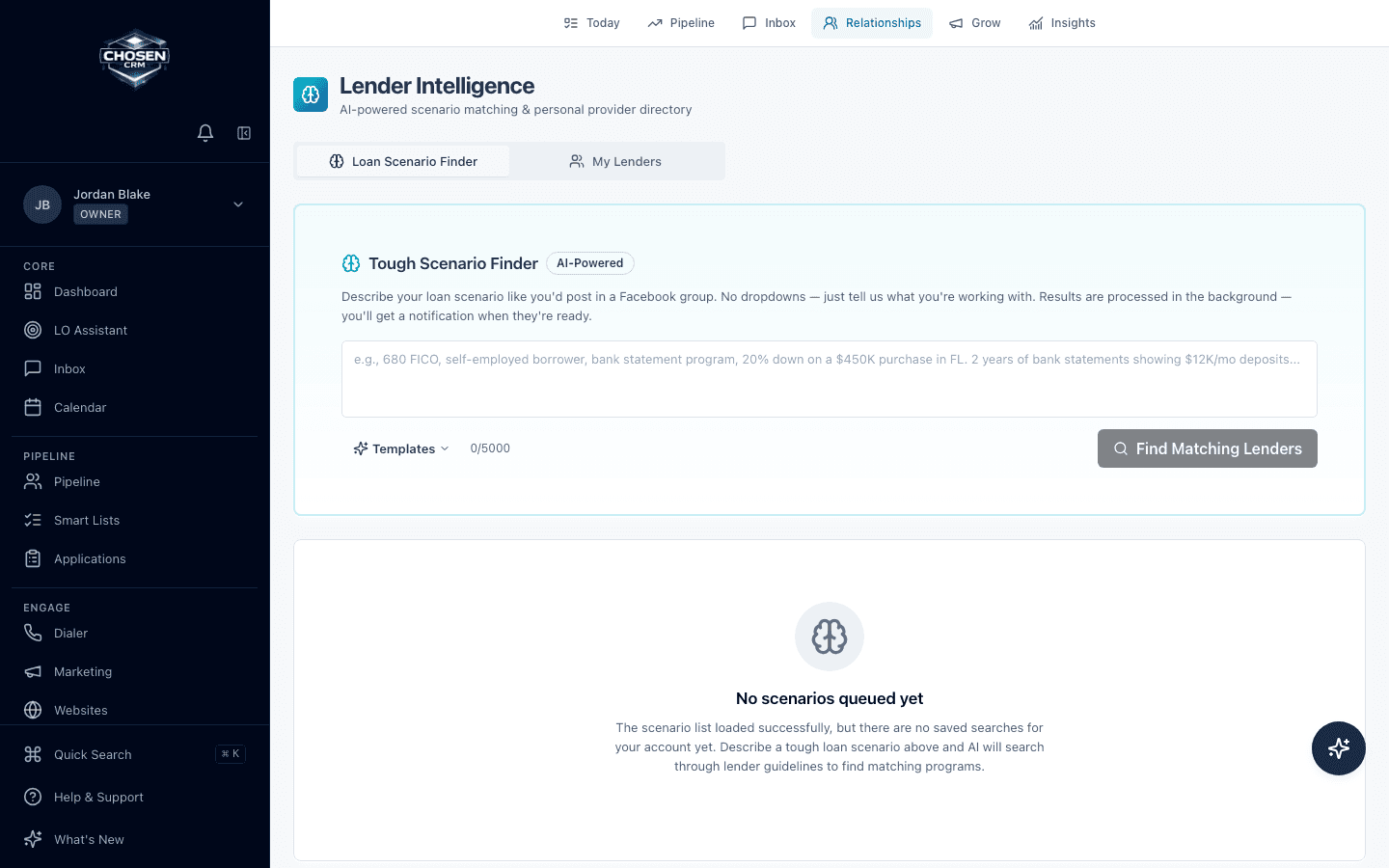
Tough Scenario Finder
Describe a mortgage scenario in plain language and review possible matches from available lender-guideline sources. Treat every result as a research lead, then verify current eligibility, pricing, documentation, and overlays with the lender.
Scenario Finder does not underwrite, approve, price, or guarantee eligibility for a loan.
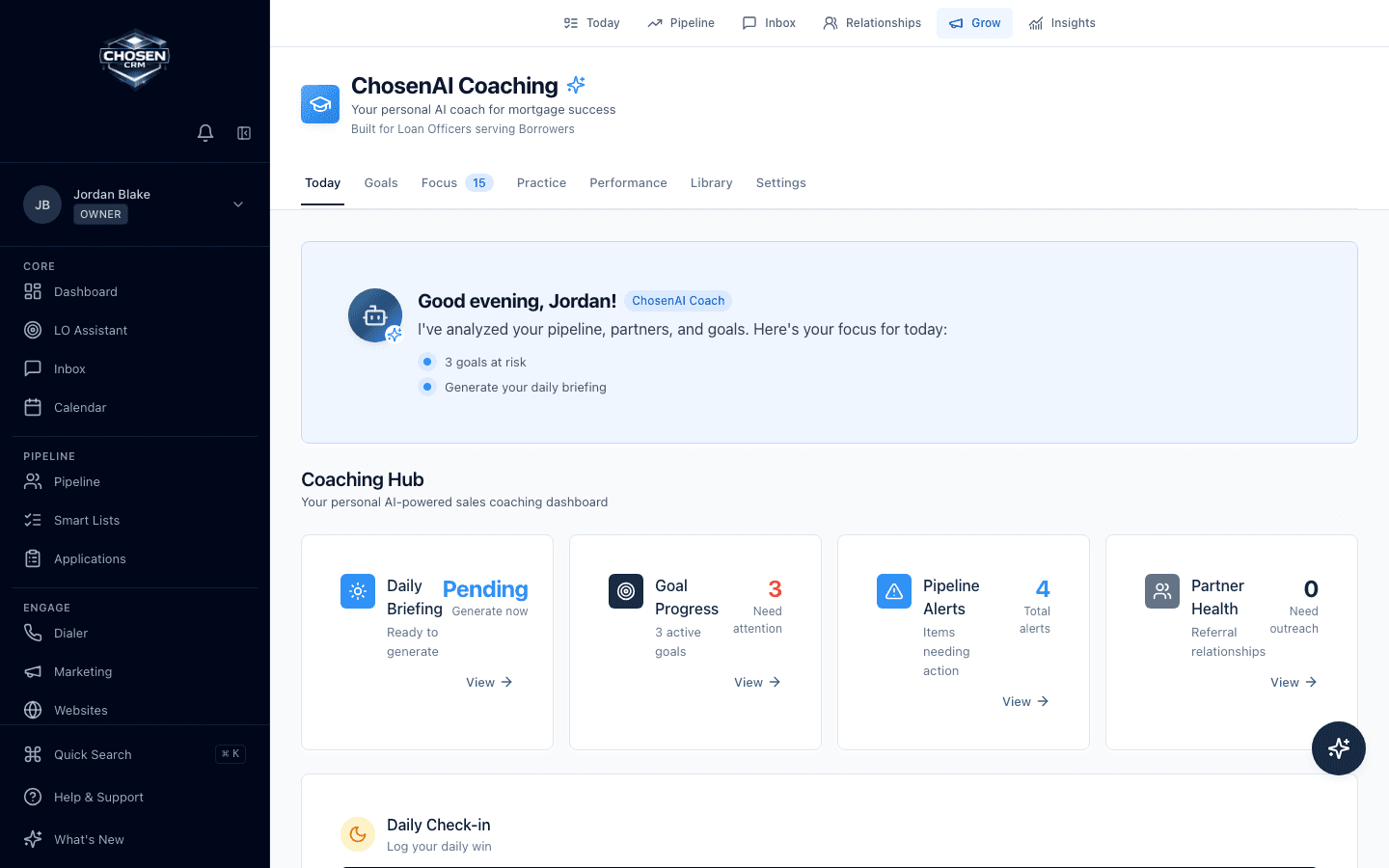
Reporting and coaching
Managers can review pipeline, activity, goals, team analytics, and coaching views from organization-scoped mortgage data. Loan officers keep a focused daily view while leaders get broader context.
Integration fit
Review the supported connection for your LOS, email, calendar, phone, and data workflows. The team can confirm data direction, fields, setup, and current limitations for your configuration.
Platform FAQ
No. ChosenCRM supports lead, relationship, communication, task, and sales-pipeline workflows around mortgage opportunities. Your LOS remains responsible for the formal origination and processing workflow.
ChosenCRM uses AI for defined CRM tasks such as lead routing and scoring, writing assistance, follow-up guidance, and prioritized notifications. Users review the resulting actions inside the mortgage workflow.
ChosenCRM supports trigger-based and scheduled actions, including tasks and supported email or SMS follow-up. Teams remain responsible for message content, timing, consent, suppression rules, and the policies that apply to their use.
Yes. ChosenCRM includes organization roles and permissions for loan officers, managers, and administrators. The exact setup depends on responsibilities, data access, work assignment, and reporting needs.