Connected communication
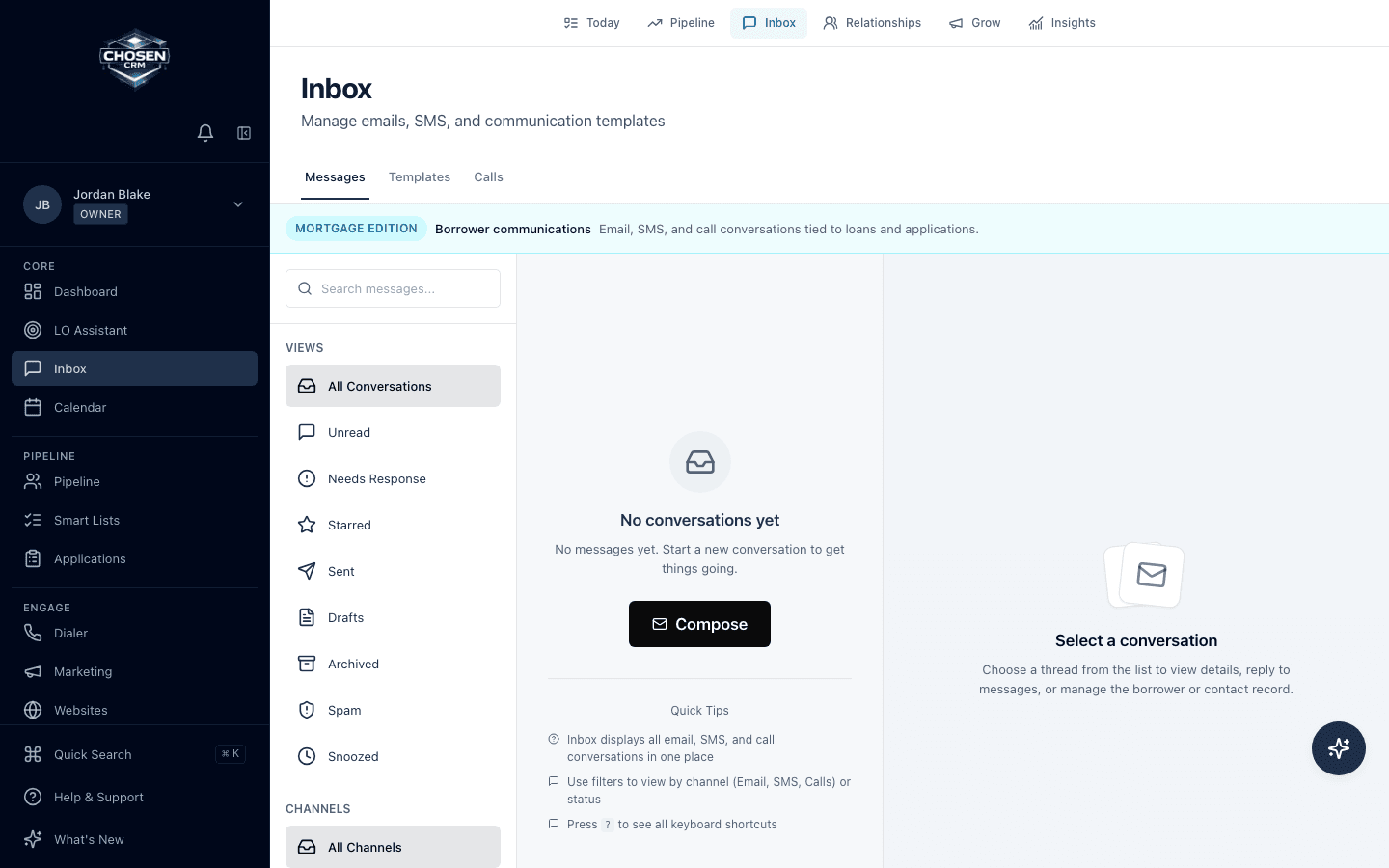
Keep supported messages, calls, templates, and activity with the borrower or lead record.
- Email and SMS
- Call activity
- Templates
Borrower follow-up software
Organize supported email, SMS, calls, templates, tasks, scheduled actions, and milestone follow-up without losing the history behind the next message.
Direct answer
ChosenCRM supports trigger-based and scheduled actions, including tasks and supported email or SMS follow-up. Communication history can stay connected to CRM records. Automation does not create legal consent, so teams must configure timing, suppression, content, and recordkeeping around their own policies and applicable law.
Capabilities and boundaries
Each capability is described by the work it supports. Availability can vary by account and configuration.
Keep supported messages, calls, templates, and activity with the borrower or lead record.
Use tasks, scheduled actions, workflows, and mortgage milestones to organize follow-up.
Let users review exceptions, message context, and the next action instead of hiding work in automation.
How it works
Choose the record change, schedule, or milestone that starts the work.
Configure a task, notification, or supported communication step.
Set timing, ownership, suppression, and content according to team policy.
Keep completed activity and the next action connected to the record.
Related mortgage workflows
FAQ
ChosenCRM supports email, SMS, calls, templates, tasks, notifications, and related workflow actions. Availability depends on account configuration and connected services.
ChosenCRM includes mortgage workflow and milestone context that can organize supported next actions. Confirm the exact trigger and data path for your setup.
No. Automation does not create consent. Customers remain responsible for lawful contact, message timing, suppression, recording, and recordkeeping.
ChosenCRM communication views are designed to keep supported message and call history connected to CRM records.
Try the workflow