Queue-based calling
Choose a defined queue such as overdue follow-up, hot leads, or never contacted.
- Quick queues
- Custom queue workflow
- Recent-session context
Power dialer for loan officers
Move through defined lead and follow-up queues while keeping contact history, the CRM record, and the next action in view.
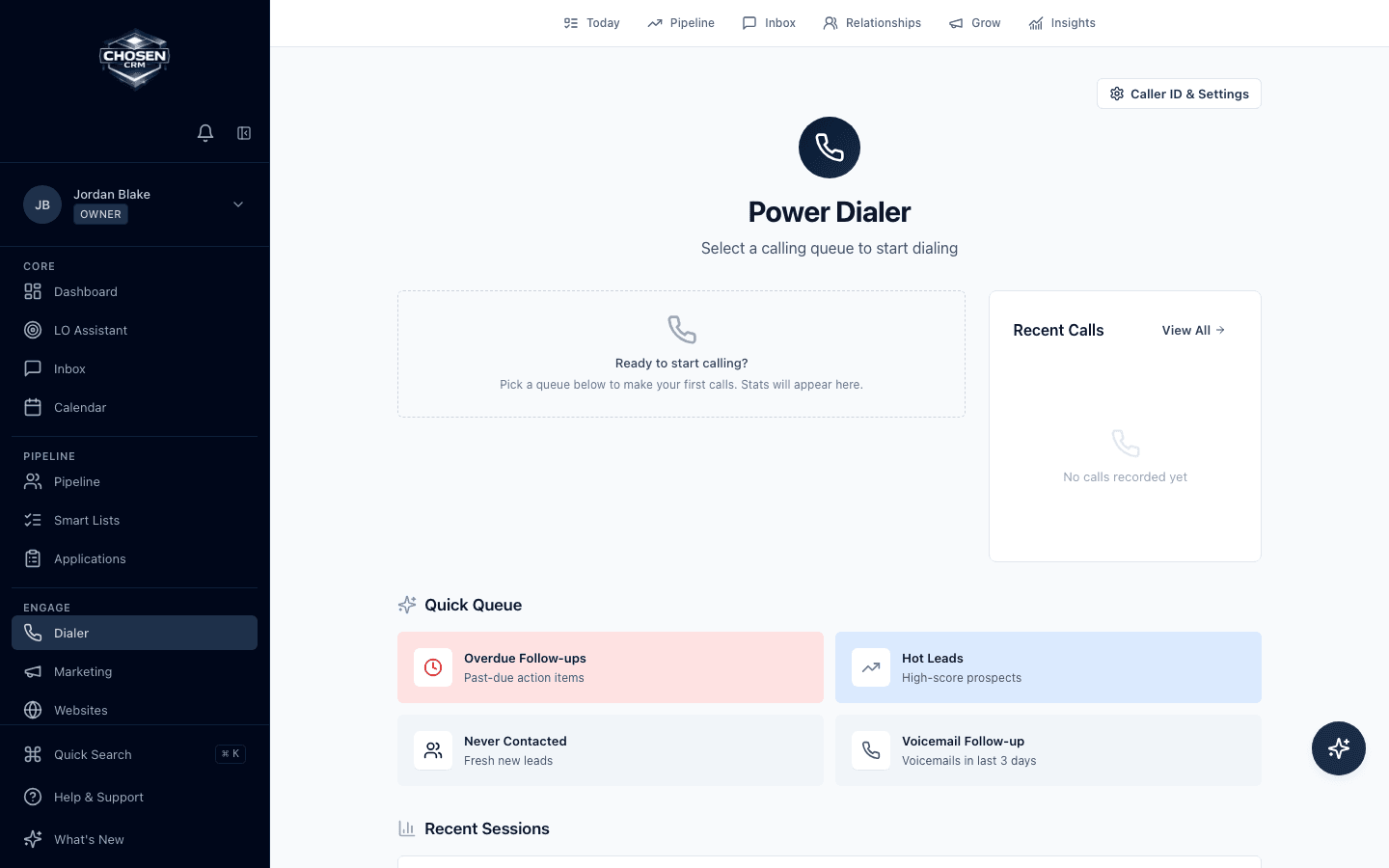
Direct answer
Yes. ChosenCRM has a power-dialer workflow for call queues, click-to-call, call logging, and related CRM context. Voice-provider setup and available calling capabilities depend on account configuration. Customers remain responsible for consent, do-not-call, calling-hour, and recording obligations.
Capabilities and boundaries
Each capability is described by the work it supports. Availability can vary by account and configuration.
Choose a defined queue such as overdue follow-up, hot leads, or never contacted.
Keep the person, prior activity, and follow-up reason attached to the calling workflow.
Caller ID, provider access, and enabled call capabilities are configured by account.
How it works
Start from a defined segment or a team-approved call list.
Confirm the person, context, and reason for the call.
Use enabled calling tools and record the outcome in the CRM.
Create the follow-up task or move to the next queue item.
Related mortgage workflows
FAQ
A mortgage power dialer helps loan officers work an ordered call queue while keeping CRM context and call outcomes connected to each record.
Capabilities depend on account and voice-provider configuration. ChosenCRM confirms enabled features during the product walkthrough rather than assuming they are available in every setup.
No. ChosenCRM provides configurable controls and recordkeeping tools, but customers remain responsible for consent, do-not-call, calling hours, recording rules, and other requirements that apply to their use.
The interface can be reviewed, but provider-backed calling requires a supported and configured voice connection.
Try the workflow